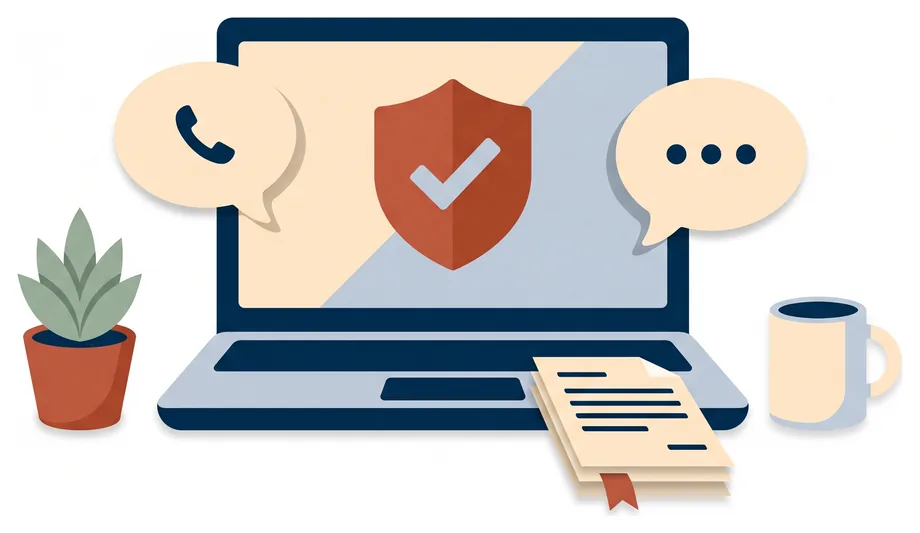
Everyday troubleshooting
Work through the computer, printer, and software problems that interrupt your day and cost you hours.
- Slow, freezing, or crashing computers
- Printers, scanners, and Wi-Fi
- Software installs, updates, and errors
Small business IT support
Get help from a real person when your technology stops cooperating. I can walk you through the problem over the phone, connect through a secure remote session when it is faster for me to look myself, and write custom step-by-step documentation so your team can handle it next time. Chat support from $29, phone support $50, and a remote session $99, paid once it is fixed, with no contract.

Three ways to get help
Pick up the phone, let me connect securely, or keep a written guide for next time. Whichever you choose, you talk to the same person who fixes the problem.

Call and describe what is happening. Many problems are fixed in one conversation, with me walking you through each click while you stay in control of your computer.

When it is quicker for me to look myself, you start a secure remote session and I work on your computer while you watch. You can end the session with one click at any time.

Step-by-step guides written for your exact setup, with screenshots of your own screens, so you and your staff can handle common problems without waiting for help.

How a support session works
Call or send the contact form. A rough description is enough: what you were doing, what you expected, and any message on the screen.
Many problems are solved right there, with me walking you through the fix over the phone while you click.
If it is faster for me to look myself, you start a remote session and watch every step. Nothing happens on your computer without your say-so.
You hear what went wrong and how to avoid it. If it could happen again, you can have a short guide so you can sort it out yourself next time.
Secure remote support
Letting someone onto your computer takes trust. Every remote session follows the same rules, so you always know who is connected, what they are doing, and how to stop it.
You open the session and share a one-time code. Nobody can connect to your computer without you.
Every click happens on your screen while you watch, and I explain what I am doing as I go.
Close the session with one click at any time. The connection ends and cannot be reopened without a new code.
The session runs over an encrypted connection, so what is on your screen stays between us.
I will never ask you to email or text a password. When one is needed, you type it in yourself.
You get a short note of what I changed and why, so nothing on your system is a mystery later.
Custom documentation
The cheapest support call is the one you never have to make. I write short, plain-English guides for your own equipment and accounts, so you and your staff can solve the everyday problems yourselves.
Example guide
Front office · Printing
Affordable, flat pricing
Not on the list? Describe the problem and I will tell you honestly whether I can help.
I run the hosting, deployments, and backups behind my own software. That is the same standard I bring to your systems.
Hosting & deployments
The servers, domains, deployments, and backups behind my own products are mine to keep running, not a hosting company’s problem.
40,000+ installs on Google Play
LMSA is used by tens of thousands of people, which means answering real questions from people who are not technical.
How I work
You get the options in plain English, the cost before the work, and an honest answer when the fix is cheaper than the replacement.
Spend where it matters
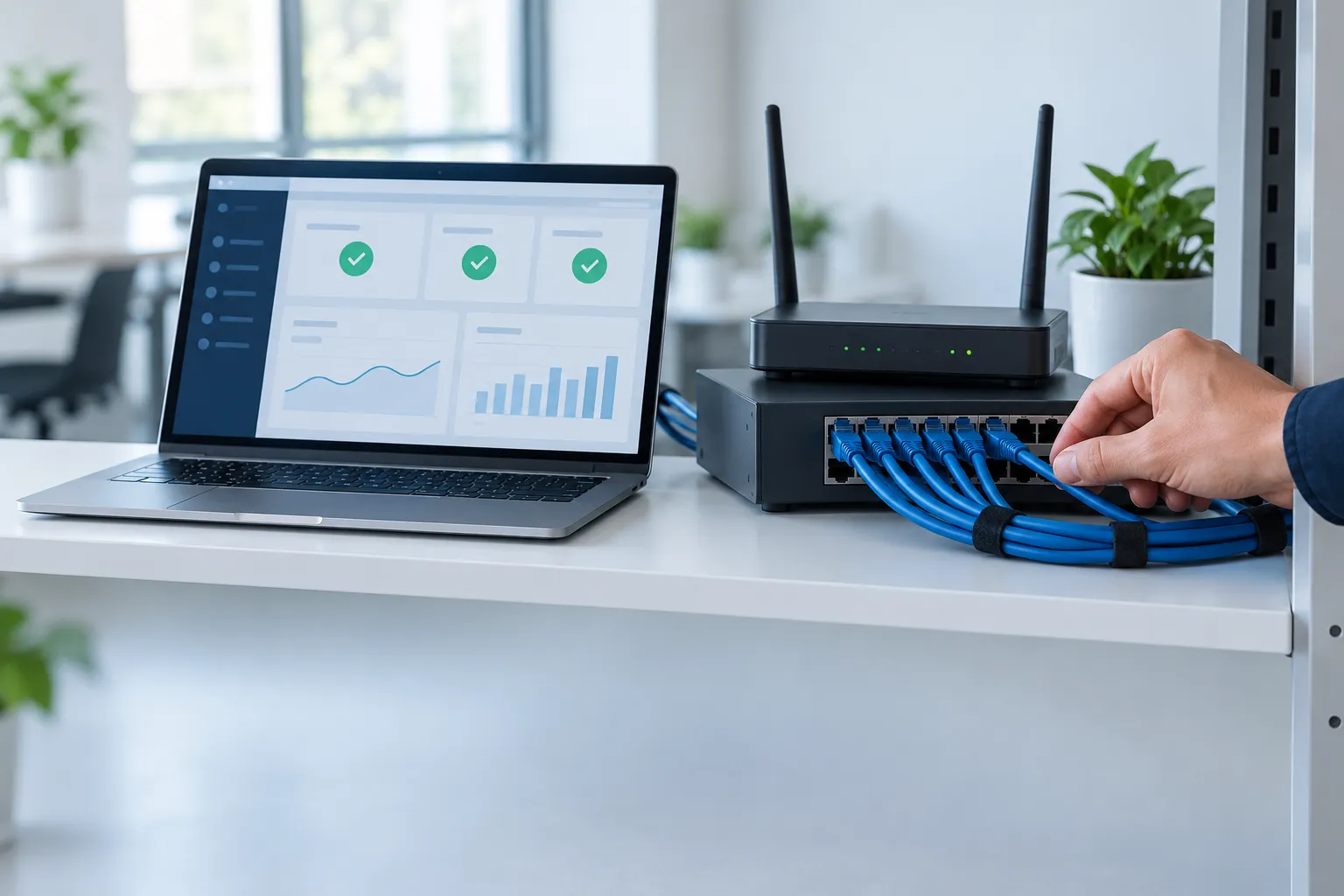
Replacing equipment or signing up for a large support contract is rarely the right first move. I will tell you what I find, what your options are, and what each one costs, then we agree on the work before it starts.
You call or send the contact form and describe the problem. Many issues are fixed by walking you through the steps over the phone. If it is quicker for me to look myself, you start a secure remote session, I work on your computer while you watch, and the session ends when we are done.
Yes. You start every session and share a one-time code, so nobody can connect without you. The connection is encrypted, you watch every click, and you can end the session at any time. Nothing is left running on your computer afterwards, and I never ask for passwords by email or text.
No. Plenty of problems are solved over the phone with me guiding you while you do the clicking. A remote session is only used when it saves you time, and only when you choose to start one.
Chat support is $29 a session, phone support is $50, and a remote session for computers is $99, which includes phone and chat. Each session lasts until the problem is fixed, and you pay afterwards, with no contract. If a problem turns out to need more than a session, such as a new computer setup or a file migration, you get a quote before any extra work begins.
A step-by-step guide written for your business and your equipment, with screenshots of your own screens. Common examples are connecting to the office printer, setting up a new employee, recovering an account, and checking that backups ran. You get it as a printout, a PDF, or a shared document.
Slow or crashing computers, email and account problems, Microsoft 365 and Google Workspace, printers and Wi-Fi, new computer setups, file moves, backups, and suspicious emails or pop-ups. If you are not sure whether something is an IT problem, ask anyway.
No. You can get help one session at a time, whenever you need it. If regular check-ins or ongoing support would suit your business better, that is quoted separately and only if you ask for it.
Some problems are physical, like a failed hard drive or a broken screen. If that is the case, I will tell you plainly and point you to the most sensible next step, whether that is a replacement part, a local repair shop, or the manufacturer’s warranty.
Yes. Because help happens by phone and secure remote session, I can support small businesses anywhere in the United States.
A practical next step
A rough idea is enough. I'll help you work out the details.